
Paste any video link.
Bring a trending TikTok, Instagram Reel, YouTube Short or your own clip.

Your face. Your character. Their moves.
Turn any viral video into your next 1M views.
Your next video starts with something you already love. Three steps, a new perspective.
Bring a trending TikTok, Instagram Reel, YouTube Short or your own clip.
Add your photo or a character. Decide what stays and what changes.
Generate your version, download it and share it on your favorite platform.
Your next great video is one idea away. Start online or find Rekreate AI for your phone.
GO MAKE SOMETHING ✳A little inspiration from the Rekreate universe. New faces, unexpected worlds, and videos you’ll want to watch twice.
From dance trends to wild edits and ads, your inspiration can become original content in a few clicks.
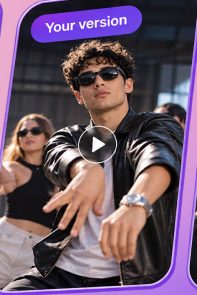
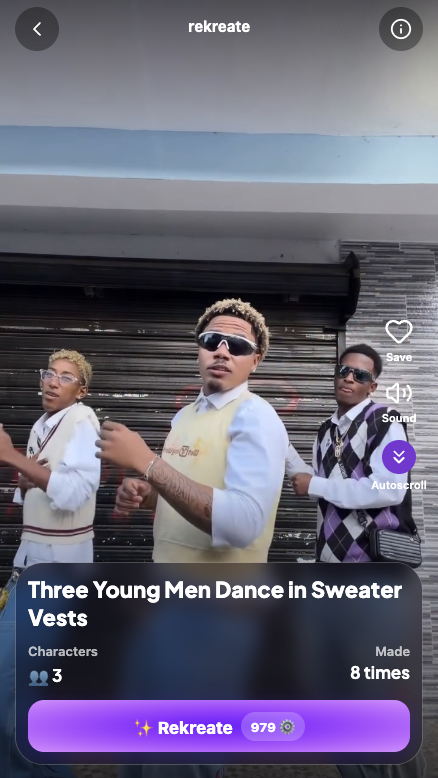
Step into the video everyone is watching. Keep the choreography, change the star.
add me too!!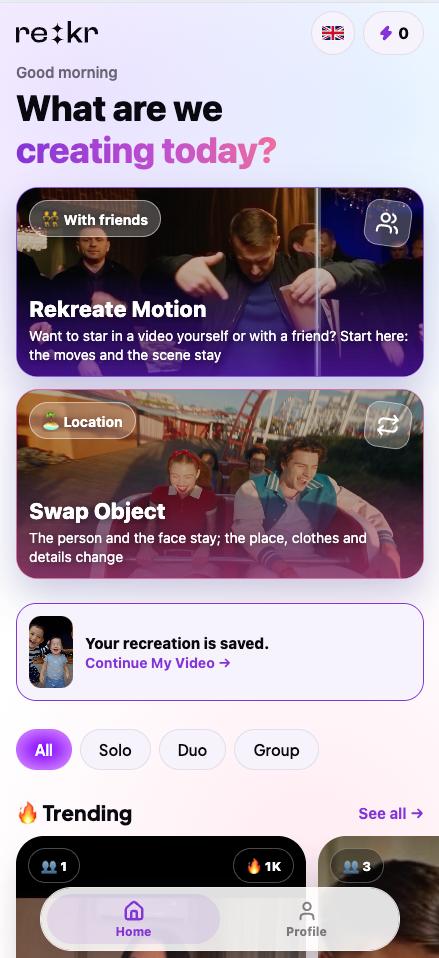
You, a mascot, or an entirely new character. Same action, new energy.
Remix memes, scenes and creative concepts without a full video shoot.
Choose the right AI model for motion, cinematic scenes, character consistency or creative experiments — all in Rekreate AI.
For detailed scenes, reference-driven storytelling and longer video creations.
Explore model ↗Experiment with styles, transitions and creative video concepts.
Explore model ↗Transfer the gestures and movement of a reference video to your character.
Explore model ↗Bring cinematic video ideas to life with realistic visual details.
Explore model ↗Your first trend. Your own twist.
Fresh ideas. A feed that keeps moving.
More creative freedom. Your biggest ideas yet.
Plans and model credit usage may vary. Confirm final billing terms in the app before purchasing.
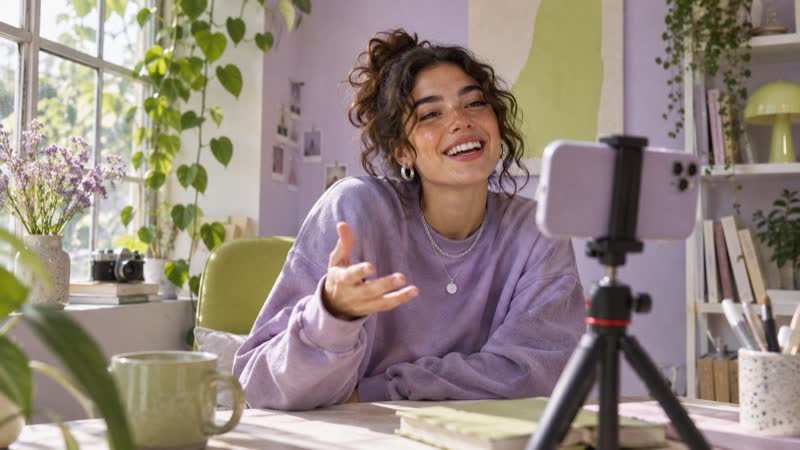
Join a trend without recreating every shot from scratch.
Experiment with new hooks and creative directions for short-form ads.

Produce new variations and visual concepts for different audiences.
Everything you need to know before you recreate your first video with AI.
Rekreate AI uses a reference video to guide a new generated clip. Depending on the AI model, you can change a character, scene or look while preserving important action, movement or timing.
Yes. In Rekreate AI, paste a supported TikTok, Instagram Reel or YouTube Shorts URL, or upload your own video. Import options vary by model. Only use content you own or have permission to recreate.
Yes. For character-based recreations, add a clear photo of yourself or another person who has consented, then choose a compatible motion transfer or character workflow.
Kling Motion Control is built for transferring a reference performance. Seedance 2.0 and 2.5 support creative video generation and reference-led workflows; Veo 3.1 is an option for cinematic scenes. Results and availability vary.
Not to start. Choose a reference, add your inputs, generate, and download your result. Some ideas work better with a stronger reference image or more precise instructions.
Open Rekreate AI, paste a supported public Instagram Reel URL, select the person or character you want to feature, and generate a new video. The source must be one you have permission to use.
Yes. In Rekreate AI, start with a supported TikTok link or an uploaded reference. You can create a fresh interpretation without shooting the same choreography yourself.
Rekreate AI supports reference-based creation workflows for short-form videos, including supported YouTube Shorts links. If a link cannot be imported, upload a video file that you are authorized to use.
The Rekreate AI Viral Trend Library helps you discover short-form video ideas and trending formats. Choose a reference that fits your audience, then recreate your own version.
Motion transfer uses a reference video to guide movements or actions in a newly generated clip. With a compatible model such as Kling Motion Control, you can apply those movements to a chosen character.
Yes, supported Rekreate AI workflows let you work with a reference clip and a provided character or photo. Use only images of people who have consented to appearing in the result.
Rekreate AI brings together Seedance 2.5, Seedance 2.0, Kling Motion Control and Google Veo 3.1. Each model supports different creation needs; availability and credit consumption may differ.
Rekreate AI is the platform behind this website. People also search for “RE:Create AI” or “recreate video” when looking for tools to turn a reference clip into a new AI-generated video.
Yes. Drop your video or choose a file to preview it and start your next creation.
Rekreate AI uses a subscription and credit-based model. The number of credits required depends on the AI model, length and settings. Review the current plan and credit usage before generating.
Yes. Creators and marketers can start from a successful format, change the character or scene and generate variations for creative testing, with the proper rights to source material.
No tool can guarantee views or virality. The Rekreate AI Viral Trend Library and reference-based workflows can help you work from proven formats, but reach depends on your content and distribution.
You can start the process in Rekreate AI and use the mobile experience where available. App Store and Google Play availability depends on your region and the current app release.
Yes. Like Genjutsu, Rekreate AI takes the movement of a reference video and puts a new character in it. The difference is where you start: in Rekreate AI you paste a TikTok, Reels or Shorts link (no need to download the clip) or pick a trend from the Viral Trend Library, and it works in the browser on any phone or computer.
Genjutsu is a tool inside the Higgsfield platform: you upload a source clip and rebuild it with Motion Transfer or Object Swap. Rekreate AI is built around trends: paste a link to a viral video or choose one from the Viral Trend Library, add your photo or character and get your version. Several AI models (Seedance, Kling Motion Control, Veo) are in one place, and you can start without signing up.
Yes. Choose AI motion transfer, add a reference video and a photo of your character: the new clip repeats the movements, timing and camera of the reference with your character in it.
No. Paste the link to a public TikTok, Instagram Reel or YouTube Short and Rekreate AI takes the video from it. If a link cannot be imported, upload the file instead.
Yes. Open Rekreate AI and start right away: browse trends, paste a link and prepare your video. Generating a video uses credits; you can sign in later to keep your videos on all your devices.
Usually a few minutes. The exact time depends on the AI model, the length of the clip and how busy the service is. You can leave the page: the finished video waits for you in your history.
Motion transfer creates a new video: your character performs the same movements as in the reference, in a new scene. Character swap keeps the original video and replaces only the person in it, so the background, camera and lighting stay as they were.
A clear, well-lit photo of one person, face to the camera, without sunglasses or heavy filters. For full-body trends like dances, a full-length photo gives the best result.
Short clips (5–15 seconds) with one clearly visible person, a steady camera and few cuts. Dance trends, reactions, walks and memes work especially well.
Yes. Dance trends are one of the most popular uses: paste the trend link, add your photo, and the AI repeats the choreography with you as the dancer.
Yes. Instead of a photo of a person, add an image of a mascot, a toy, an animal or a drawn character. The clearer the image, the better the result.
Public links to Instagram Reels, TikTok videos and YouTube Shorts. Private or deleted videos cannot be imported; upload such a video as a file if you have the right to use it.
Yes. Rekreate AI works in the browser on iPhone, Android and computers, nothing to install. The mobile app is rolling out by region.
A CapCut template applies effects and cuts to footage you have already filmed. Rekreate AI generates a new video with AI: you do not need to film yourself, the AI puts you into the trend's movements.
Yes, as long as you have the rights to the source video and to the people and characters in it. Marketers use Rekreate AI to test hooks and make variations of short-form ads. See the Terms of Service for details.